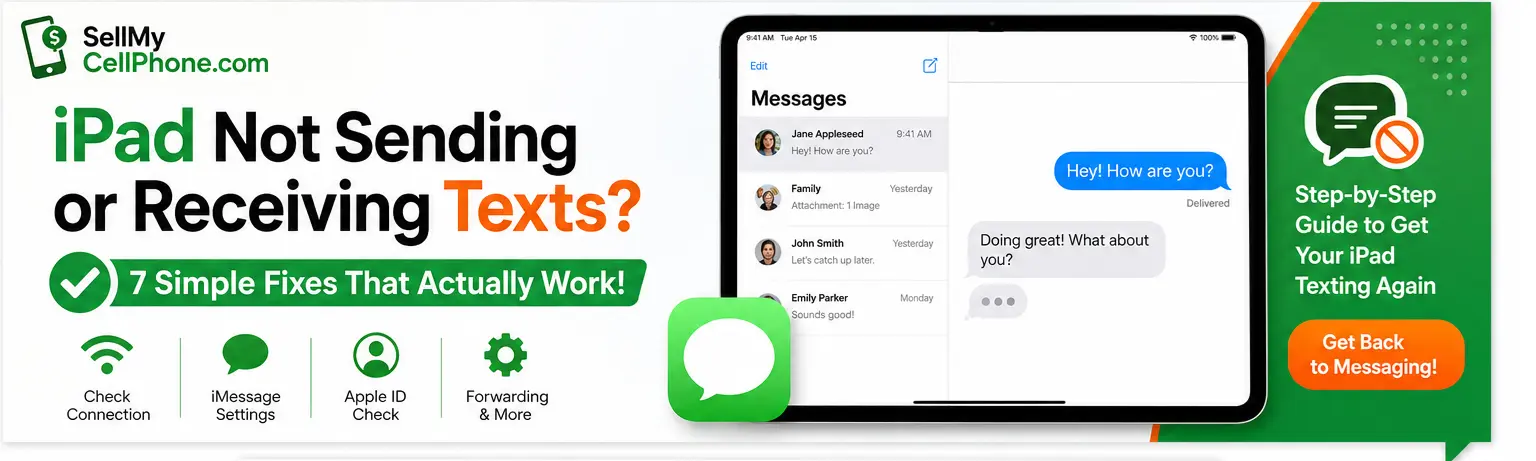
If your iPad has suddenly stopped sending or receiving texts, don't panic. In most cases it comes down to a simple setting that takes under two minutes to fix. This guide covers every solution from a dropped Wi-Fi connection to an Apple ID mix-up and tells you when it might be time to upgrade.
Your iPad doesn't do traditional SMS it runs on iMessage over Wi-Fi or cellular. Texting Android users requires an iPhone with Text Message Forwarding enabled. Most fixes in this guide are free, take under 2 minutes, and require no technical knowledge.
Before You Start: How iPad Texting Works
Unlike an iPhone, your iPad has no cellular calling plan it relies entirely on iMessage over an internet connection. This changes which fixes actually apply to your situation.
Check Your Internet Connection
A dropped connection is the single most common reason iMessage stops working on iPad. Check this before anything else it takes 30 seconds.
Make Sure iMessage Is Turned On
An accidental tap can silently disable iMessage. Spend 20 seconds checking this before anything else.
- Open the Settings app on your iPad.
- Scroll down and tap Messages.
- Look at the toggle next to iMessage.
- If it is grey, tap it to turn it green.
⚠️ Seeing "Waiting for Activation"? Turn iMessage off, restart your iPad, then turn it back on. If it persists, wait a few hours — it usually resolves itself. A strong internet connection is required for activation.
Sign Out and Back Into Your Apple ID
If your iPad loses its sync with your Apple account, it can't route messages through your Apple ID. A quick sign-out and sign-in re-establishes that connection.
💡 Make sure you sign back in with the exact same Apple ID used on your iPhone. A different account is one of the top reasons messages appear on one device but not the other.
Check Your "Send & Receive" Settings
This is the #1 overlooked setting and the most common reason messages appear on your iPhone but never reach your iPad.
- Go to Settings → Messages.
- Tap Send & Receive.
- Under "You can receive iMessages to and reply from," make sure both your phone number and Apple ID email are checked.
If your phone number isn't checked, your iPad won't intercept texts sent to that number only messages sent directly to your Apple ID email will arrive.
Enable Text Message Forwarding on Your iPhone
Can't receive green bubble (SMS) messages from Android users on your iPad? This fix bridges the gap but both devices must use the same Apple ID.
Your iPhone will now safely bridge the gap forwarding all standard SMS messages directly to your iPad, even when they come from Android phones.
Reset Your Network Settings
If nothing above has worked, reset your iPad's network settings. Think of it as a hard reboot for your device's antenna stack it clears all corrupted Wi-Fi configs and VPN settings.
⚠️ Heads up: This will NOT erase your photos or apps. But it will wipe all saved Wi-Fi passwords you'll need to re-enter them after the reset.
Update Your iPadOS
Apple regularly patches iMessage bugs in software updates. Running outdated iPadOS is a silent killer for messaging reliability.
- Go to Settings → General.
- Tap Software Update.
- If an update is available, tap Download and Install. Keep your iPad plugged into power during the update.
💡 Enable Automatic Updates under Settings → General → Software Update. Apple pushes iMessage-related patches regularly — you never want to be two versions behind.
Still Not Working? Should You Repair or Sell?
If you've tried all 7 fixes and your iPad still refuses to send texts — or lags constantly, can't install updates, or has hardware failures — the hardware itself may have hit its ceiling. Before spending more money on repairs, here's how to decide.
| Situation | Repair Cost | Best Option | SMCP Value |
|---|---|---|---|
| Software / iMessage issue only | Free – $50 | Fix & Keep | High |
| Stuck in recovery mode | $80 – $200 | Depends | Good |
| Face ID / Touch ID broken | $150 – $350 | Usually Sell | Fair |
| Battery draining fast | $80 – $150 | Depends | Good |
| Older iPad + motherboard issue | $250 – $500 | Sell | Better to sell now |
| Cracked screen + messaging issue | $120 – $380 | Usually Sell | Fair |
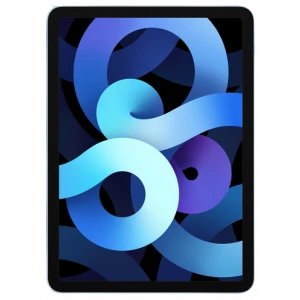
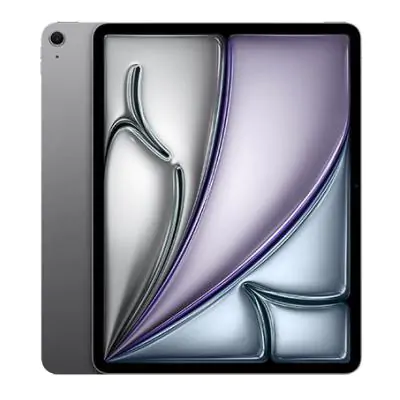
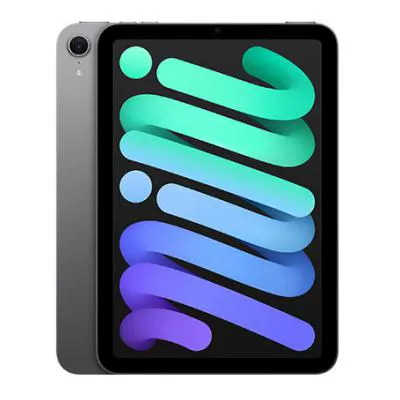
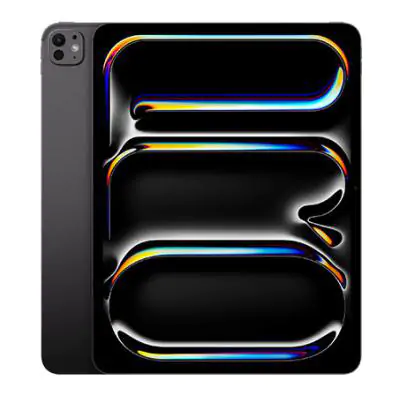
Selling your iPad on SellMyCellPhone.com takes just a few minutes. Get a quote, ship it free, and get paid within 1 business day of it arriving.
Trade In or Sell Any Apple iPad
All Models Accepted
SellMyCellPhone.com is trusted by thousands of sellers to find the best price for their iPad. All models and generations accepted get paid fast with no hidden fees.