
Get Extra $10 Instantly Sent To You Upon Shipping Your Device! VIEW DETAILS
Phone Running Slow? 10 Easy Ways to Free Up Space on Android & iPhone

Phone Running Slow? 10 Easy Ways to Free Up Space on Android & iPhone

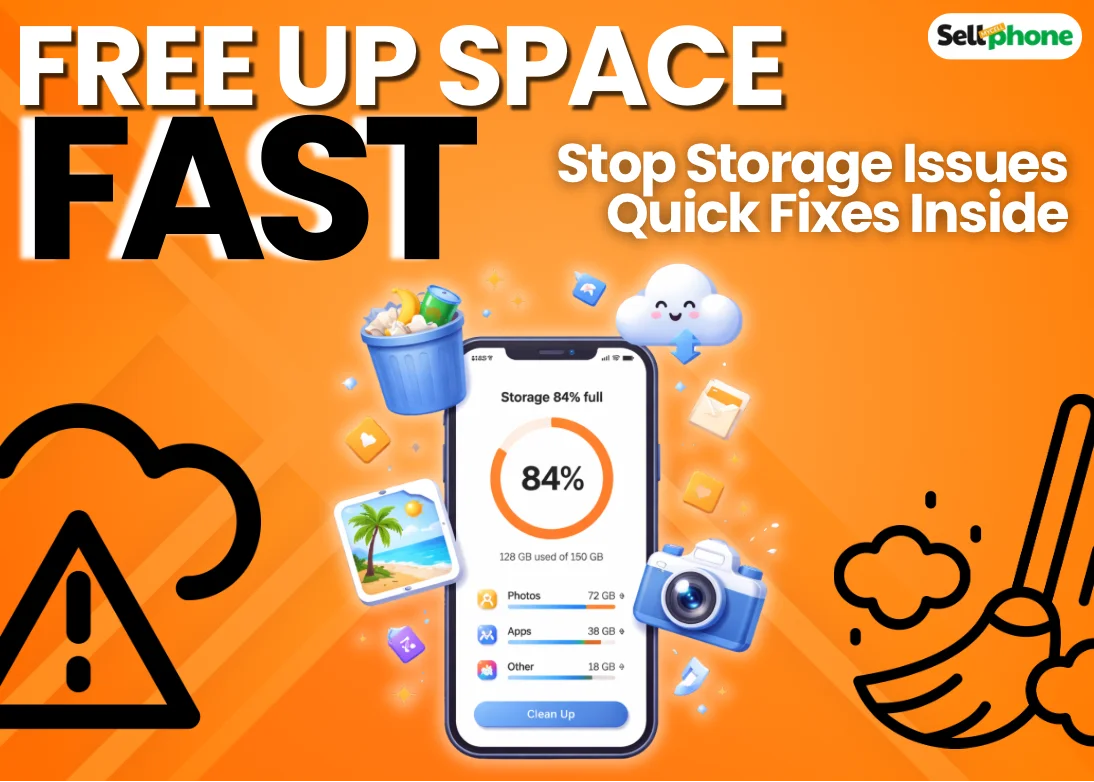
There aren’t many things more frustrating than dealing with a phone that constantly runs out of storage. Especially when it feels like your device magically fills up again right after you’ve cleared it (yes, we’re looking at you, Samsung S20 FE).

As storage fills up, performance starts to suffer. Apps begin to freeze, your phone slows down, heats up more than usual, and even battery health takes a hit over time.

๐Ÿ‘‰ A clean, optimized phone not only runs faster but can also increase its resale value when you decide to sell it.

The good news? The fix is simpler than you think. Just a few small changes can free up space and bring your phone back to life.

๐Ÿงน

How To Clean Up Your Phone’s Storage

Follow these simple steps to free up storage and boost performance.

๐Ÿ—‘๏ธ

Delete or Offload Unused Apps

We all do it… Install an app for a single use or because it looked cool in an ad. If this sounds like you, it’s time to delete those apps — trust me, you’re not going to open that app again. Unused apps are one of the biggest contributors to filled-up storage.

Scroll through your phone and ask yourself honestly: Do I need this app? On Android, sort apps by usage and uninstall apps you haven’t opened in 30+ days. On iPhone, use Offload App to remove app data while keeping your personal documents safe.

Remove duplicate apps that serve the same purpose (like Google Docs vs Word). if you have a tablet or PC, consider moving some apps (websites for PC) over to those devices rather than deleting them altogether.

๐Ÿ’ก Pro Tip: Offloading apps is a smart way to save space without losing important files. You can always reinstall later when needed.

 
๐Ÿ“ธ

Clean Up Photos and Videos

This has to be one of the biggest space savers when you attend to them. Photos, and videos especially tend to take up the most space on your device; while a good amount of them may be memories, the rest are mainly unnecessary downloads from social media and screenshots that have been forgotten.

Start by targeting duplicate photos, burst photos, screenshots, and screen recordings as well. keep your eyes open for old media downloads and large videos that are eating up space on your device. Some Android devices make this easy; you can easily sort out big videos, duplicates, and even unclear photos. Check if your phone can; it’ll make the process easier.

๐Ÿ’ก Pro Tip: Regularly backing up important media to cloud storage not only frees up space but also keeps your memories safe and organized.


Step 3
๐Ÿงน

               Clear App Cache and Temporary Files

App caches are temporary files that accumulate the more you use an app. While caches reduce the need to re-download content, they can also fill storage and slow your device.

iPhone Android
Go to Settings → Safari → Clear History and Website Data.
For other apps, use Offload App:
Settings → General → iPhone Storage → select app → Offload App
Go to Settings → Apps → select app → Storage & cache → Clear cache.
Many Android phones can automatically remove temporary files for you.

๐Ÿ’ก Pro Tip: Clearing cache doesn’t remove personal files. Regularly clearing temp files keeps your phone fast and efficient.


Step 4

Clean Your Downloads Folder

This is one step that is often overlooked, but if you want to get back as much space as possible, then don’t skip this. Most times, we download photos, videos, and PDFs because we need them for just a few minutes or hours, then forget to delete them afterwards. And so they just sit there taking up space.

๐Ÿ“„
PDFs
๐Ÿ’ฌ
WhatsApp Media
๐Ÿ“ฉ
Telegram Files
๐Ÿ—‚๏ธ
Old Documents
๐Ÿ“ฆ
APK Files (Android)
๐Ÿ—‘๏ธ
Other Files


Step 5

Move Files to the Cloud or External Storage

If your phone storage is constantly under pressure, moving files to the cloud or external storage is worth considering. It frees up space without losing anything, and your files remain accessible whenever you need them.

If your phone supports SD cards, that's another solid option. If not, cloud storage or transferring files to a laptop or external hard drive works just as well.

โ˜๏ธ
Cloud Storage
๐Ÿ’พ
SD Card
๐Ÿ’ป
Laptop / PC
๐Ÿ–ด
External HDD


Advanced Tips to Keep Your Phone Storage Free Long-Term

At this point, your storage should be in a much better place, and your phone performing well again. But to keep it that way, here are a few habits worth building into your routine:

 
1
Monthly storage audit
2
Disable auto media downloads on social media
3
Avoid duplicate downloads
4
Restart phone periodically
5
Keep at least 15–20% storage free

Final Words: Keep Your Phone Running Smooth & Resale Ready

A little consistency goes a long way! Stick to these storage habits, and slow, frustrating phone performance should be the last thing on your mind. Regular cleanups and optimization keep your device fast, responsive, and resale-ready.

If your storage issues persist despite your best efforts, it may be time for a new device. Don’t worry you can easily upgrade without losing value by selling your old phone through trusted platforms.

Check your phone’s value today on SellMyCellPhone.com and see how much you can get before it drops in value.

Pro Tip: Phone resale prices drop fastest right after new model launches. If you’re thinking about upgrading, sell your iPhone or trade your Samsung Galaxy while demand is high and payouts are better.

๐Ÿ—‘๏ธ Regularly clear unused apps and downloads
๐Ÿ“ธ Manage photo and video storage effectively
โ˜๏ธ Use cloud storage or external drives for backups
๐Ÿ“ฑ Keep at least 15–20% storage free