


How To Take Professional-Quality Shots With Your Smartphone
Smartphone Photography Guide
Most people blame their phone when their photos look bad. But 9 times out of 10, it’s not the phone; it’s the technique. In reality, with just your phone (flagship or not), you already have all it takes to capture not just nice shots but professional-level images.
Gone are the days of needing an expensive camera to take professional photos; your phone’s all you need. In fact, I know a professional photographer who takes amazing pictures at events with his iPhone (he shared a few tips for this article 😉).
So in today's article, I'll walk you through how to take professional-looking photos using just your phone. No flagship required, though it certainly helps.
Before You Shoot: Preparing for Better Photos
If you want to take professional, above-average shots on your phone, then you have to do some preparation.
Stabilize Your Phone: Step-by-Step
Understanding Light: The #1 Factor in Professional Photos
The one key ingredient that is needed when you are taking photos is good lighting. So unless you are purposefully trying to achieve something specific like an effect, then aim to get the best lighting possible at all times.
Below, we’ll break down the rules and techniques for using light effectively in your smartphone photography:
Use Natural Light Whenever Possible:
- Face the light source. Don't have your subject's back to the light source to avoid shadows and get a clearer shot.
- Shoot near windows indoors. This allows you to get the most out of the light from the window.
- Avoid harsh midday sun. Take photos earlier or later in the day when the light is softer.
Here are some bad lighting habits you should avoid if you want to get the most out of your smartphone camera.
- Don’t shoot with light directly behind your subject (unless it's an intentional silhouette).
- Avoid overhead indoor lighting that creates shadows.
Golden Hour Advantage
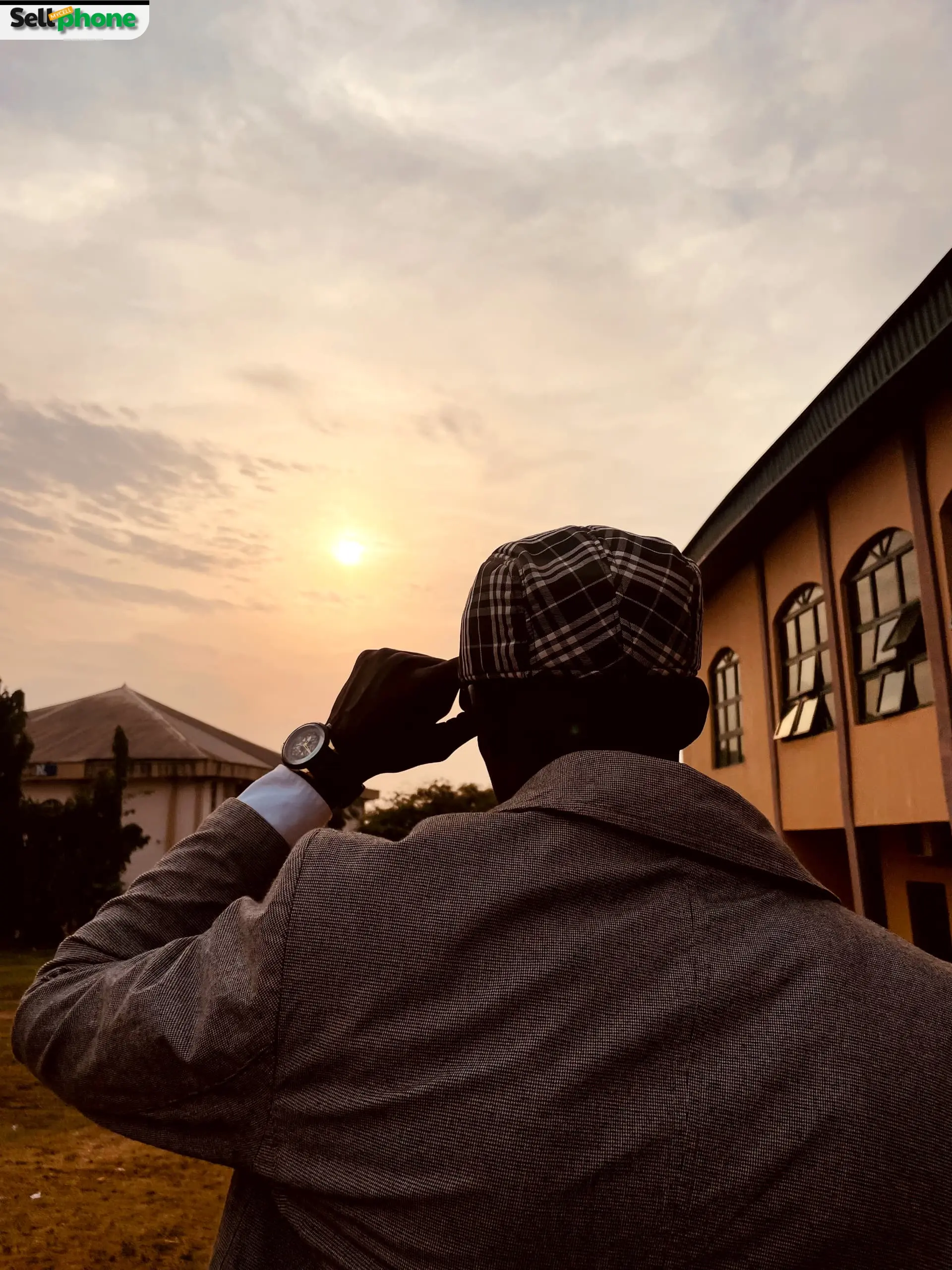
- 1 Golden Hour is just after sunrise or before sunset — magical soft light.
- 2 Creates dreamy, warm, low-contrast lighting perfect for cinematic photos.
- 3 No extra equipment needed — simply leverage natural light for professional results.

Composition Basics: How to Frame Like a Pro:
Rule of Thirds
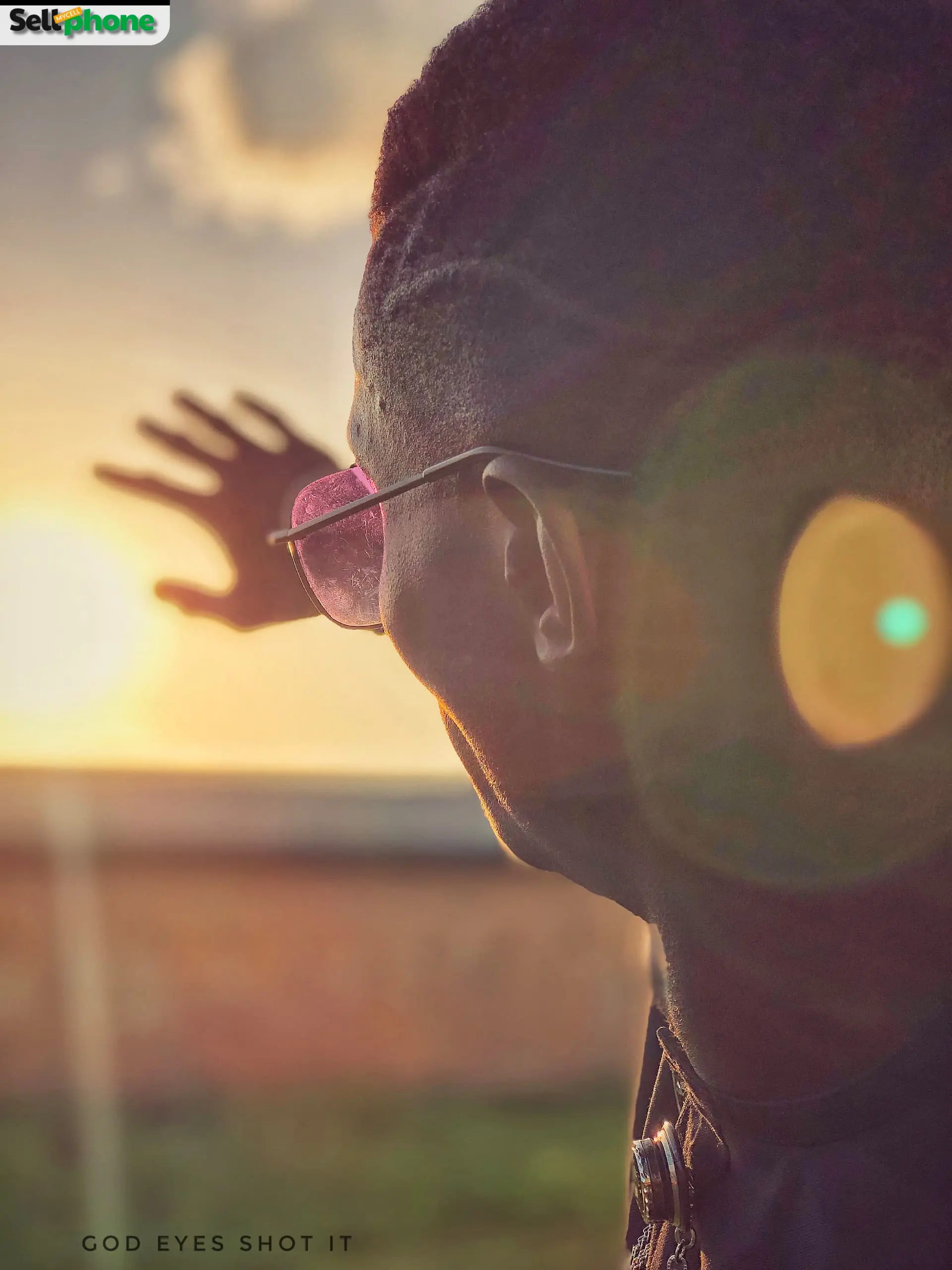
To make use of this, you will need to have the gridlines on. The vertical and horizontal lines on the camera divide the screen into 3x3 boxes. To make use of the rule of thirds, you will need to place the subject or subjects of the photo along the horizontal lines or where they intersect. This off-center effect makes for proper distribution and helps make your photos look more professional as well.
Leading Lines
These are the naturally occurring or man-made lines that can be found in your photos. They could be anything from roads to railings, hallways, or even fences. If you have these in your frame, then you can use them to direct the eyes and draw the attention of the viewer towards the subject or main thing that you are trying to capture. It helps create a sense of depth, so you are better off allowing the lines to start from the bottom of the frame and lead up towards the top.
Framing
This is yet another tip that can help you upgrade your photos. Framing is creating visual borders in your photos to help you properly frame your subject and make for a more cinematic feel. You could easily do this by having your subject stand in front of a door and taking shots through windows, trees, or even archways.
Negative Space:
Think of negative space as a way of letting your subject breathe. Negative spacing can be done by creating a clear area surrounding your subject. This technique works by helping declutter the photo and allowing the eyes of the viewer to rest solely on the subject that's being captured. To do this, you simply need to pick out a background that is simple and not distracting. A plain wall or the clear sky would work well for this, but it isn't limited to that. Just keep an open mind when you apply this technique.
Change Your Angle
Don't always shoot at eye level. Some of the most striking photos ever taken owe their appeal to an unexpected or unique angle. So try out some new angles and see what you come up with. Try turning your phone upside down when taking the shot. Move around and take different shots so you start to develop a sense of what works best for you and for your subject as well. Try low angles, high angles, and moving your body instead of zooming in for a change.
Rule of Thirds
This off-center effect makes for proper distribution and helps make your photos look more professional as well.
.webp)
Adjust These Settings First
Start with these core adjustments to make your photos look polished and professional before anything else.
Brightness
Get your overall exposure to a natural level before touching anything else.
Contrast
Adjust to add depth between light and dark areas, but don't overdo it.
Highlights & Shadows
Recover bright areas and reveal detail in darker parts of the image.
Sharpness
Apply sparingly; too much makes photos grainy and unnatural.
Crop for Better Composition
Cropping is one of the most underrated editing tools available. Use it to reframe your shot and fix what you couldn't control at the time of shooting:
- Straighten your horizon: A tilted horizon is one of the most distracting things in a photo and an easy fix.
- Remove distractions: Crop out anything at the edges of the frame that pulls attention away from your subject.
- Recompose using the rule of thirds: If your subject ended up too centered, cropping can help you reframe it into a more visually interesting position.
Recommended Free Editing Apps
If you would prefer to edit your photos outside the inbuilt photo editor, then you need an editing app. If that's what you need, then here is a short list of some recommended editing apps that you should use:
- Lightroom Mobile
- Canva
- Snapseed

Common Mistakes to Avoid When Taking Photos
- • Shooting with a dirty lens: Wipe your lens before every shoot to avoid hazy or soft photos.
- • Relying too heavily on your flash: Only use flash as a last resort; prefer natural light.
- • Zooming in digitally: Move closer instead of using digital zoom to preserve image quality.
- • Over-editing: Avoid heavy filters, high saturation, and aggressive sharpening.
- • Shooting in the wrong mode: Ensure portrait, night, or auto mode fits the scene before capturing.
- • Not taking enough shots: Take multiple photos to ensure you get the perfect frame.
- • Ignoring the background: Check for clutter or distractions behind your subject before shooting.
The Phone Was Never the Problem
Great photography has never been about the gear; it’s about the eye behind the camera. The difference between a mediocre shot and a professional-looking one comes down to light, composition, and intention. Apply these tips consistently and watch your photos improve immediately.
Just like photography, the value of your phone is in how you use it. At SellMyCellphone, the #1 trusted phone buyback service in the US, we help you get top dollar for your device safely and instantly. Upgrade, trade-in, or sell your phone with confidence!
SellMyCellphone – trusted by thousands of U.S. sellers — backed by our Best Price Guarantee